Bank and Go5.0.0.2720
Publisher Description
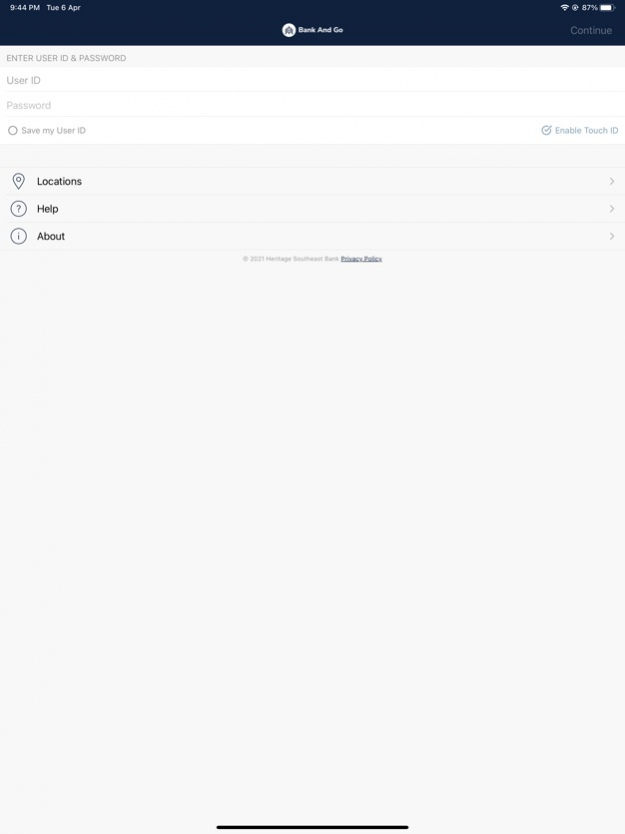


Start banking wherever you are with Bank And Go for mobile banking. Bank And Go allows you to check balances, make transfers, pay bills, make deposits, and find locations.
Available features include:
Accounts
Check your latest account balance and search recent transactions by date, amount, or check number.
Transfers
Easily transfer cash between your accounts.
Bill Pay
Schedule one–time payments.
Add, edit, or delete payees directly from the app.
Card Controls with Alerts
Manage all aspects of debit cards, transactions, and alerts:
- pre-authorization controls
- location-based approval preferences
- transaction-based controls
- merchant-based controls
Proactively control cards and finances for everyday purchases to help protect from debit card fraud.
Personal Finance
Take control of your finances using:
- Budgeting
- Account aggregation
- Auto-categorization
- Debt management
Check Deposit
Deposit checks while on the go.
Locations
Find nearby branches and ATMs using the device’s built in GPS. Additionally, you can search by zip code or address.
All features may not be available in the tablet application.
Sep 16, 2021 Version 5.0.0.2720
We are continually working to deliver an exceptional user experience within the app. This update contains bug fixes and performance improvements. We will be sure to highlight any new features within the app as they become available.
About Bank and Go
The company that develops Bank and Go is Heritage Southeast Bank. The latest version released by its developer is 5.0.0.2720.
To install Bank and Go on your iOS device, just click the green Continue To App button above to start the installation process. The app is listed on our website since 2021-09-16 and was downloaded 1 times. We have already checked if the download link is safe, however for your own protection we recommend that you scan the downloaded app with your antivirus. Your antivirus may detect the Bank and Go as malware if the download link is broken.
How to install Bank and Go on your iOS device:
- Click on the Continue To App button on our website. This will redirect you to the App Store.
- Once the Bank and Go is shown in the iTunes listing of your iOS device, you can start its download and installation. Tap on the GET button to the right of the app to start downloading it.
- If you are not logged-in the iOS appstore app, you'll be prompted for your your Apple ID and/or password.
- After Bank and Go is downloaded, you'll see an INSTALL button to the right. Tap on it to start the actual installation of the iOS app.
- Once installation is finished you can tap on the OPEN button to start it. Its icon will also be added to your device home screen.
Program Details
System requirements
Download information
Pricing
Version History
version 5.0.0.2720
posted on 2021-09-16
Sep 16, 2021 Version 5.0.0.2720
We are continually working to deliver an exceptional user experience within the app. This update contains bug fixes and performance improvements. We will be sure to highlight any new features within the app as they become available.
